What is HistChat?+
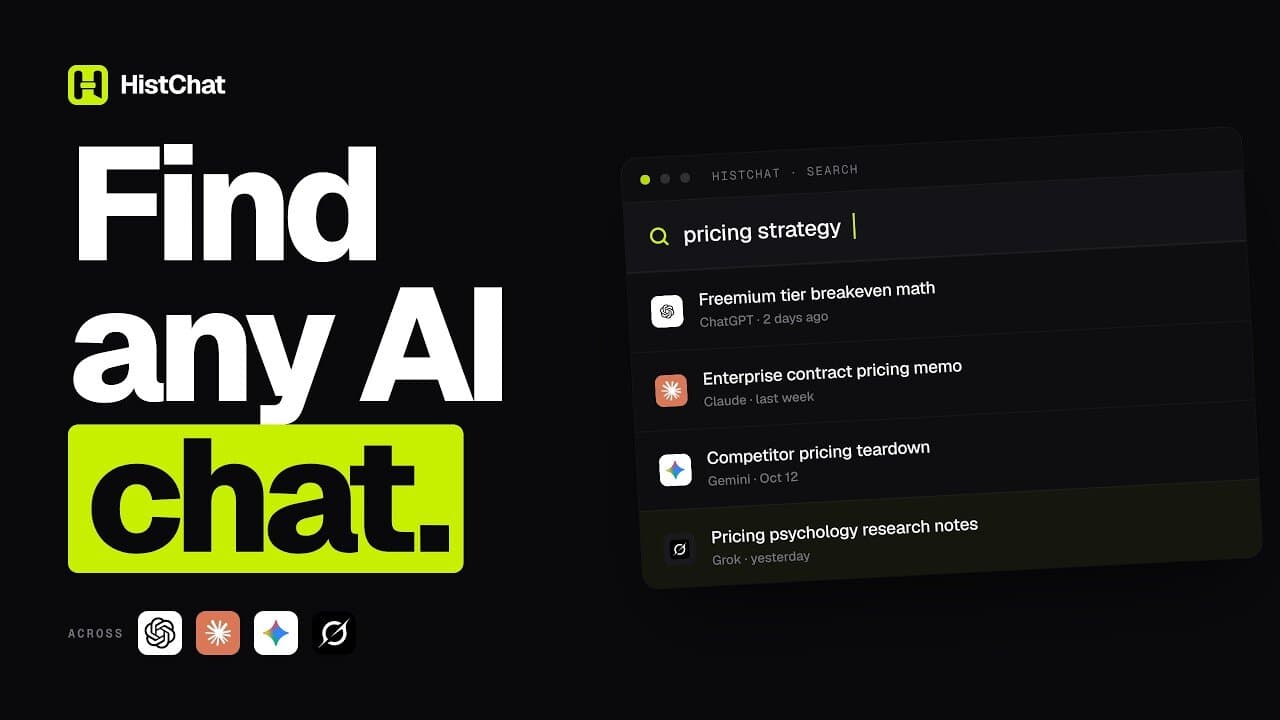
HistChat is a Chrome extension and workspace that brings your conversations from ChatGPT, Claude, Gemini, and Grok into one searchable place. You can search across all four, organize conversations in folders, save reusable prompts, export conversations, and continue a conversation in another AI. AI Usage, AI Activity, and AI Recap show how you use your AI tools. Conversation contents are indexed and stay on your device.
Which AI platforms does HistChat support?+
HistChat supports ChatGPT, Claude, Gemini, and Grok. HistChat is an independent product and is not affiliated with OpenAI, Anthropic, Google, or xAI.
Is HistChat a Chrome extension?+
Yes. HistChat runs as a Chrome extension next to the supported AI sites. The website handles accounts, plans, and billing, and does not receive your conversations.
Does HistChat upload my conversations?+
No. Conversation contents stay on your device: they are indexed, searched, and exported locally, and they are not synced to HistChat Cloud. Cloud Sync, if you turn it on, only moves folders, saved prompts, conversation-folder mappings, and favorite markers (by conversation ID) — never message bodies.
Can I search across ChatGPT, Claude, Gemini, and Grok at once?+
Yes. HistChat builds a local full-text index of your conversations, so one search can run across the conversations it has indexed from all four supported assistants. Free shows the top 10 results per search; Pro removes that limit.
How is HistChat different from browser history or each AI's own history?+
Browser history only records the titles and addresses of pages you visited, and each AI's built-in history covers only that one service. HistChat indexes the text of your conversations on your device, so you can search by what was actually said across all four assistants, then organize, export, or continue them.
Can I move a conversation from one AI to another?+
Yes. Transfer opens another supported assistant and prepares your conversation, or just the messages you select, there for you to review. Continue Here does the same in the tab you are already using. HistChat never presses send: you review it and send it yourself. Both are available on every plan.
Can I export my AI conversations?+
Yes. You can export a conversation as Markdown, plain text, JSON, or PDF, and the files are yours to keep. Free includes 10 Markdown, TXT, or JSON exports and 3 separate PDF exports each month; Pro and Lifetime remove those limits and add bulk export and Preview & Edit before export.
Can I use HistChat without an account?+
Yes. The core features — search, organize, export — work without signing in. An account is only needed for Cloud Sync and for Pro or Lifetime plans.
Does it work with my existing conversations?+
Yes. HistChat can index the conversations you already have, not only new ones. It reads that history through the supported assistants you're signed in to, so older work becomes searchable too.
What is included in Free, Pro, and Lifetime?+
Free includes all four assistants, unlimited indexing and search (top 10 results per search), 3 folders, 3 saved prompts, 10 Markdown/TXT/JSON exports and 3 PDF exports a month, Continue Here and Transfer, AI Usage, AI Activity and AI Recap, bulk delete, and sorting and filtering. Pro ($7.99/month or $59.88/year) removes the search, folder, and export limits, raises saved prompts to 100, and adds bulk export, Preview & Edit before export, custom export branding, longer prompts, and Cloud Sync. Lifetime is a one-time $99 payment for Pro for as long as HistChat is offered. Prices are in USD and taxes may be calculated at checkout.
What happens if I uninstall HistChat?+
Your conversations stay in the AI tools where they live — HistChat never touched them in the first place. The local index on this device is removed when you uninstall; anything you synced to Cloud Sync stays in your account until you delete it there.

 ChatGPT
 Claude
 Gemini
 Grok